
Need Help?
Contact us for any questions or inquiries. We’ll reply to you within 1 business day.
Quick tips
-
1. Did your trial or subscription end? Features only show on active trials and subscriptions.
2. Have you cleared your cache? In Chrome, open your site and right-click → Inspect. Then right-click the reload button ↻ and choose Empty Cache and Hard Reload.
3. Are you connected to a VPN or a Wifi network? If so, try visiting the site from another device. You can also try disconnecting the VPN, or switching to a different Wi-Fi network.
-
1. Check your Squarespace version: Spark Plugin support version 7.1, but not version 7.0.
2. Check your Squarespace plan: Spark Plugin support the Business and Commerce plans, not the Personal plan.
-
Yes! Go to your Spark Plugin Dashboard and update the email and billing details to the new owner.
-
To manage your subscription plan, head over to your Spark Plugin Dashboard. Hover over your profile picture, then click on Change Plan. There, you can upgrade, downgrade, switch between monthly and yearly billing, or cancel your subscription plan at any time.
-
Yes! Spark Plugin can be used together with other plugins and custom code. However, custom code that is not written properly may cause conflicts with the plugin. If you experience any issues, feel free to contact us.
Looking for features explanation?
Check our video tutorials.
Support Team
You’re never on your own. Whether you have a question, a technical issue, or need help setting things up, our support team is here for you. Different Spark Plugin specialists, each with their own expertise, are ready to help you get the most out of the plugin.
Iuno Ribeiro
Customer Support

Solomon Ekrebe
Software Developer

Rasmus Myhrberg
Founder

Video tutorials
New to Spark Plugin or just want to go further? Our tutorials walk you through everything, from installation and first steps to in-depth feature guides, so you can build with confidence.
Getting Started with Spark Plugin
Installation

Upgrading from Squarespace 7.0 to 7.1
Installation
Spark Plugin Quick Installation Guide
Installation
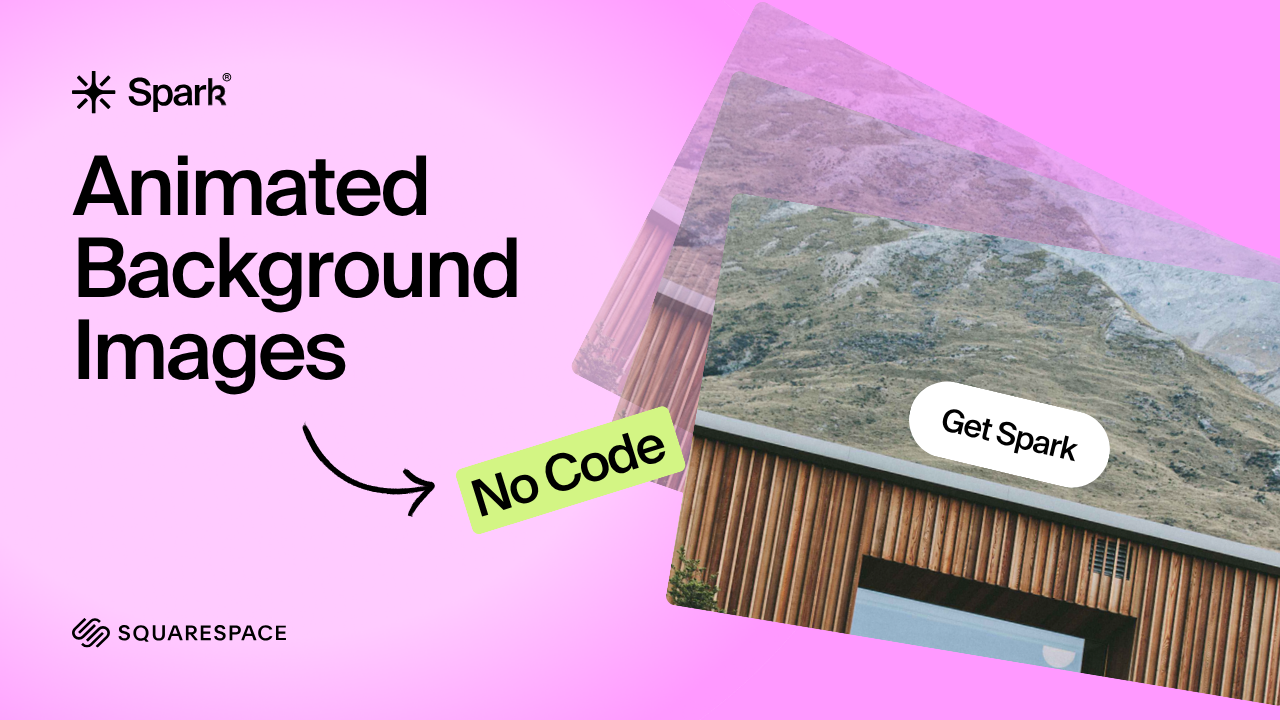
How to Animate Background Images
Feature
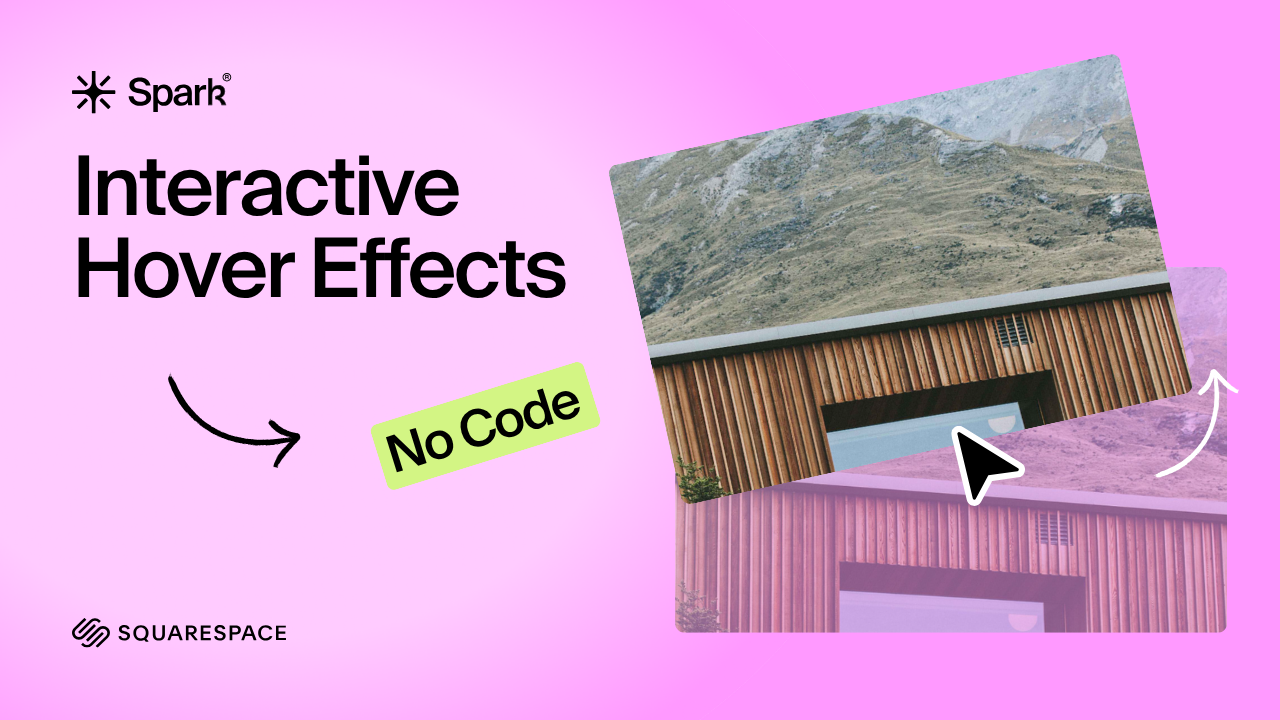
How to Add Hover Animations
Feature

Make Your Announcement Bar Stand Out
Feature